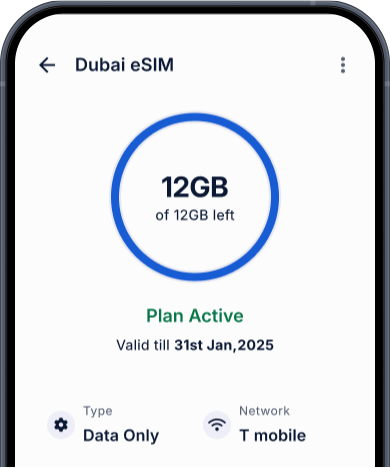


Everything went smoothly from ordering to activation of the eSIM. I had great data connectivity during my trip.
Jun 2025

Pay using Niyo coins
6,500 available
Check if your device is compatible
Niyo eSIM: SeamlessConnectivity in Thailand & Beyond
Skip SIM swaps, queues, and roaming fees. Stay connected throughout your trip.
Find the perfect Thailand eSIM tourist plan for your trip: Affordable, flexible, easy installation, and auto activation on landing.
Choose Validity
All
1-3 days
4-8 days
8-15 days
Validity begins upon reaching Thailand
Data Plans
Loading data plans...
Built for Indians travelling to Thailand
What you’ll love about Niyo eSIM
Skip roaming fees
Avoid hefty roaming charges from Indian telcos, with our best eSIM for Thailand.
Multi-SIM convenience
Buy eSIM for Thailand before your trip. Keep your WhatsApp number active while your Thailand eSIM for tourists powers your data.
Install before you fly
Set it up easily with a simple QR code and land ready to connect.
Instant activation on arrival
No kiosk queues for a Thailand eSIM purchase.
Thailand-ready plans
Choose the perfect eSIM for Thailand, and explore Niyo options for 120+ other destinations.
Full control via Niyo app
Select or switch plan, top up, and track usage anytime.
Supports hotspot sharing
Share your data with other devices or travel companions in Thailand.
100% digital
No plastic, no delivery hassles, no delays.
24/7 global support
Chat with us anytime in Thailand or anywhere you travel.
Niyo vs other eSIMs Services
Why thousands of Indian travellers choose Niyo eSIM
Airalo
Holafly
Ubigi
One eSIM for supported destinations
24/7 live chat support
Refunds
In-app data calculator
Security features
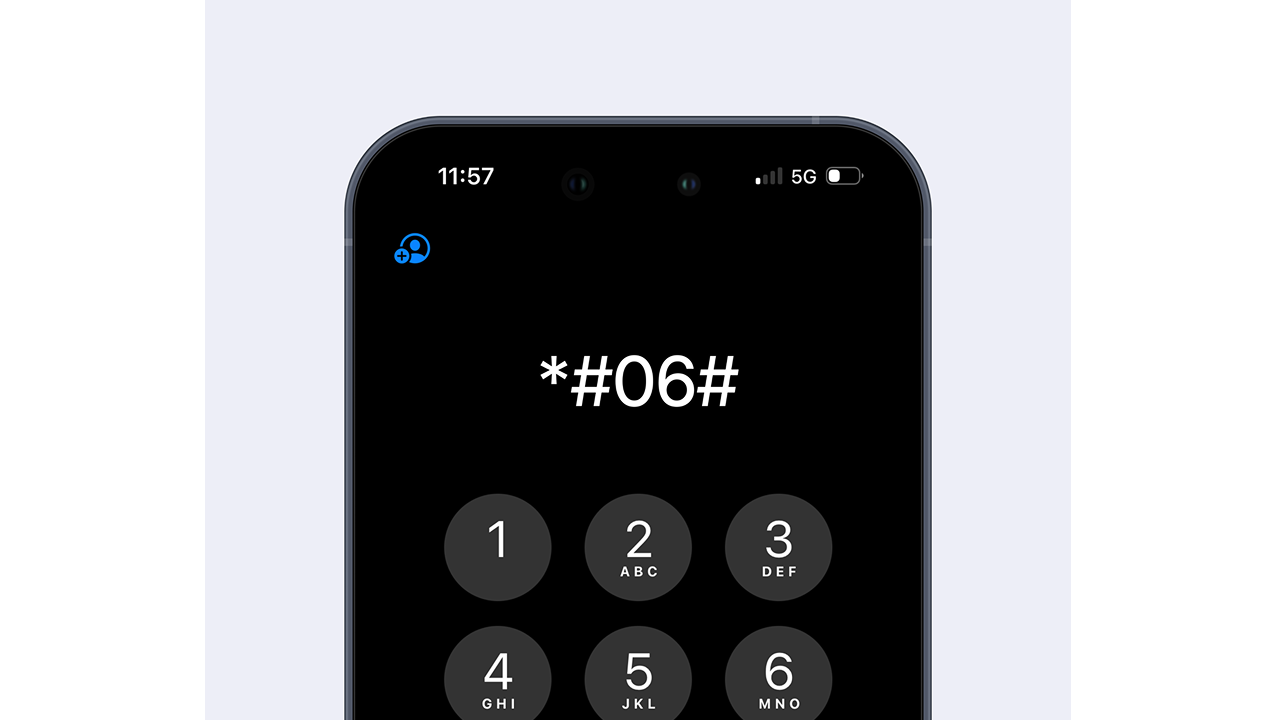
How to check device compatibility for Thailand eSIM
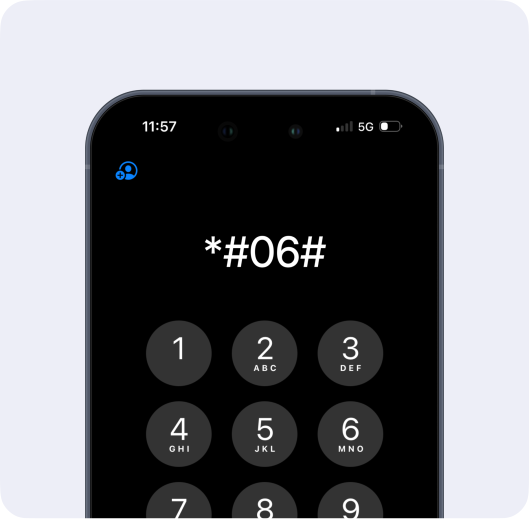
Dial *#06# on your phone dialler
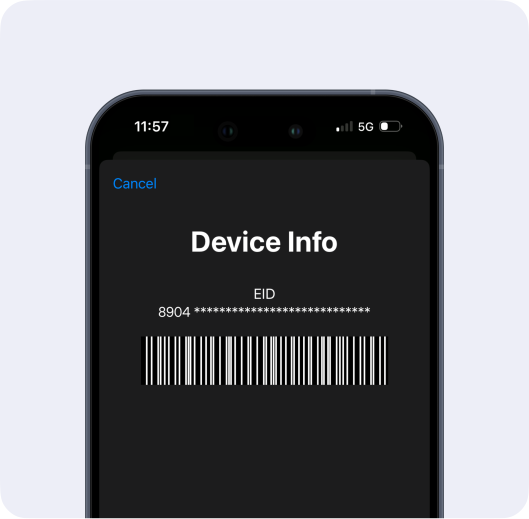
EID presence confirms your device supports eSIM
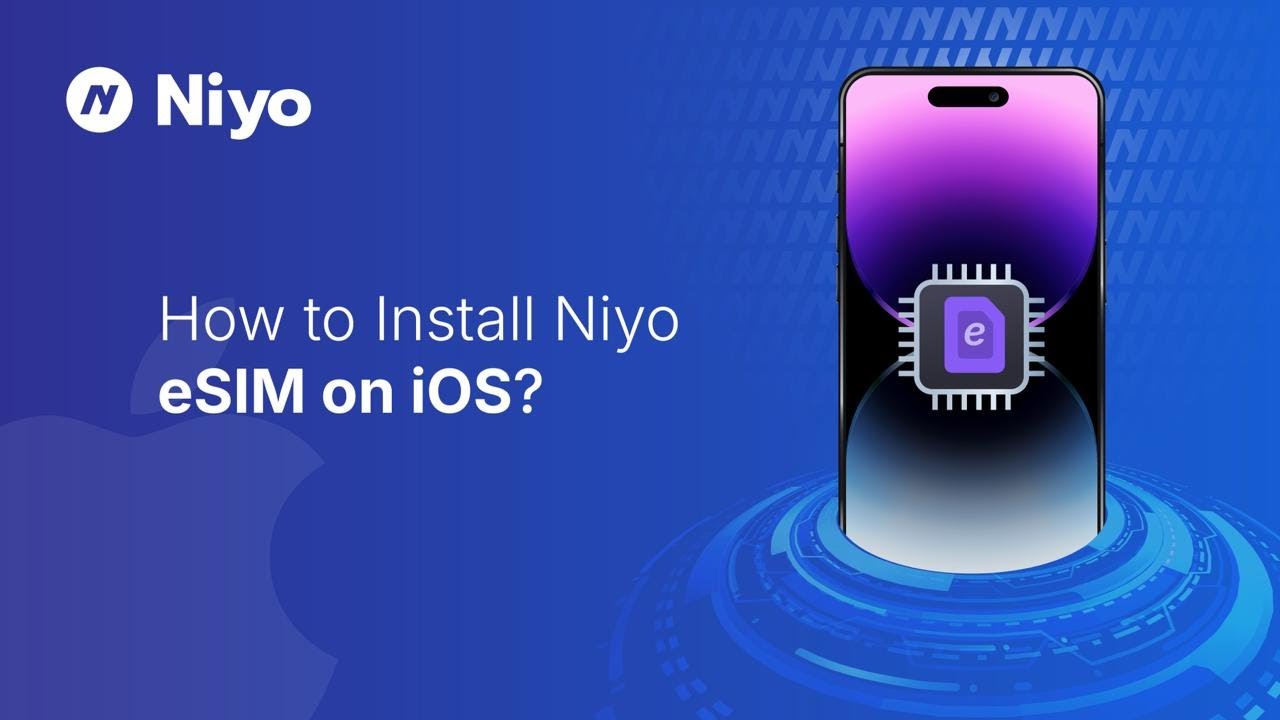
How to install your Niyo eSIM
1. Go to Settings > Mobile Service > Add eSIM
2. Click on 'Use QR Code' in the next screen
3. Scan the QR code from your Niyo app or email to install after you buy an eSIM for Thailand
4. Label it "Niyo Data Thailand"
5. Turn on Data Roaming when ready for your Thailand eSIM tourist plan to work
1. Go to Settings > Connections > SIM Manager > Add eSIM
2. Click on 'Use QR Code' in the next screen
3. Scan the QR code from your Niyo app or email to install after you buy an eSIM for Thailand
4. Label it "Niyo Data Thailand"
5. Turn on Data Roaming when ready for your Thailand eSIM tourist plan to work
1. Go to Settings > Mobile Service > Add eSIM
2. Click on 'Enter Details Manually' from the next screen
3. Copy the 'SM-DP + Address' and copy paste the 'Activation Code'
4. Click on 'Next' to install the eSIM
5. Label it "Niyo Data Thailand"
6. Turn on Data Roaming when ready for your Thailand eSIM tourist plan to work
1. Go to Settings > Connections > SIM Manager > Add eSIM
2. Click on 'Enter activation code'
3. Enter the activation code
4. Label it "Niyo Data Thailand"
5. Turn on Data Roaming when ready for your Thailand eSIM tourist plan to work
What Niyo Travellers Say
Real stories from real people
Ready to travel smarter?
Say goodbye to physical SIM hassles and buy your eSIM online in minutes.
Related Videos

How to set up the Niyo eSIM on Android?

How to set up the Niyo eSIM on an iPhone?

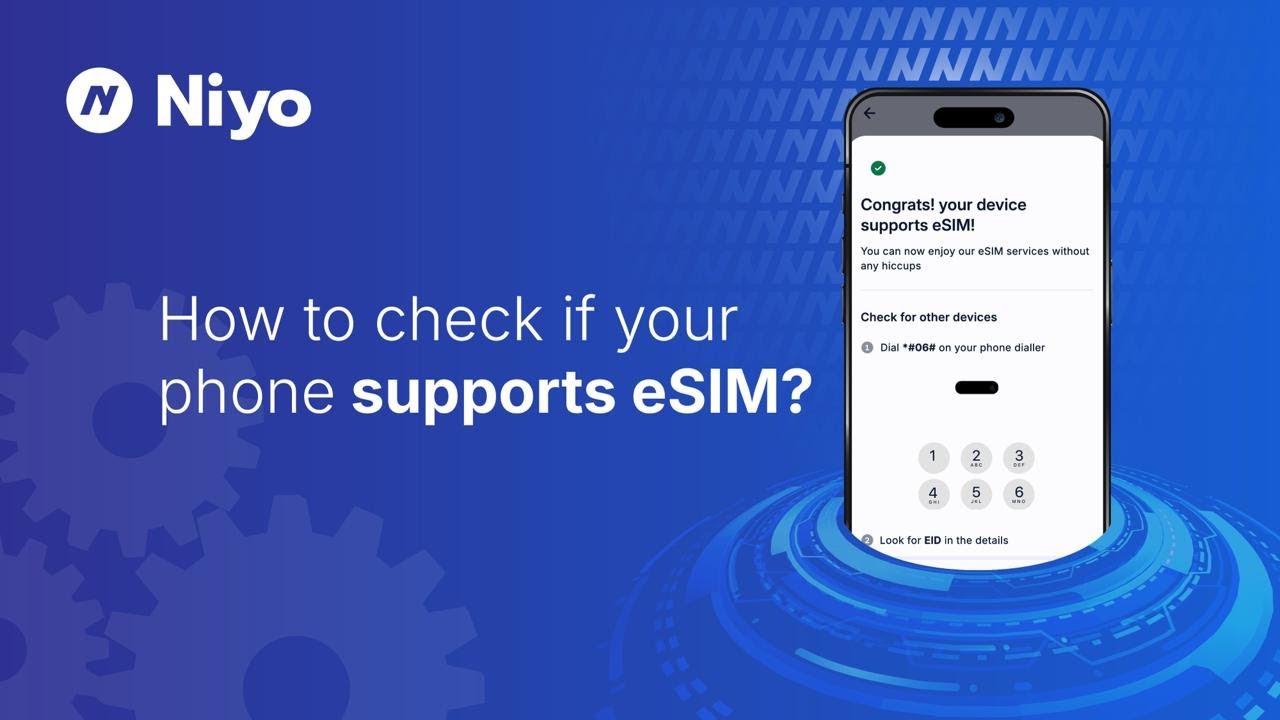
How to check if your phone supports the eSIM?

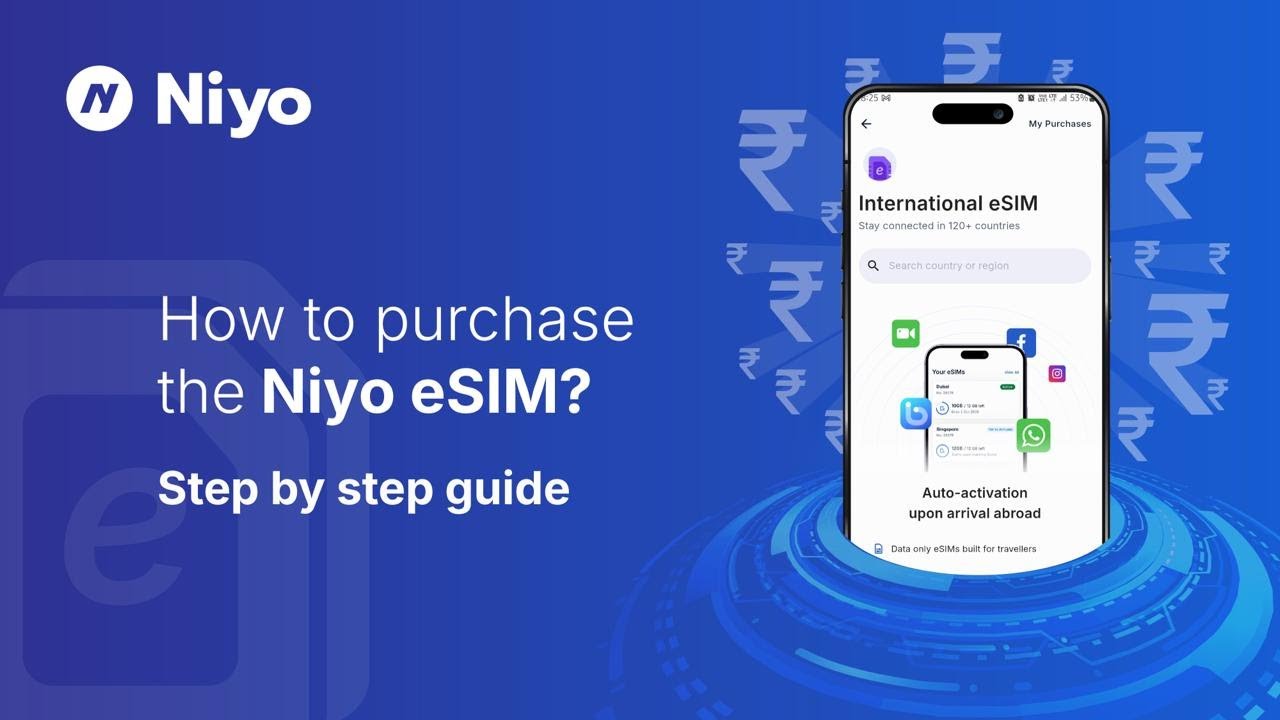
How to purchase the Niyo eSIM?
FAQs
The best eSIM for Thailand depends on your travel needs, but Niyo eSIM stands out for its affordability, instant activation, and coverage. It’s a great choice for tourists looking for reliable data connectivity without the hassle of physical SIM cards. Whether you need it for navigating Google Maps, scrolling endlessly through social media, or working remotely, our Thailand eSIM tourist plans keep you connected from the moment you land.
Yes, choosing to buy eSIM for Thailand is one of the easiest ways to stay connected during your trip. You can install it before you travel, avoid long queues at the airport, and enjoy competitive rates. With Niyo, your eSIM for Thailand is ready to use as soon as you arrive, making it perfect for travellers who value convenience.
Setting up your eSIM for Thailand with Niyo is quick and simple:
- Visit the Niyo website or download the Niyo app on iOS or Android.
- Choose your preferred Thailand eSIM for tourist plan.
- Receive your QR code instantly via email or in-app.
- Go to your phone’s settings, select “Add eSIM,” and scan the code.
- Turn on data roaming once you reach Thailand, and you’ll be all set!
You can easily buy Thailand eSIM from India through the Niyo website and app. Just select your travel destination, pick a Thailand eSIM online plan, make the payment in INR, and receive your QR code instantly. This lets you install your eSIM for Thailand before your trip. It auto-activates on landing in Thailand, so you’re ready to go upon arrival.
Yes. A Thailand eSIM tourist plan from Niyo eliminates the need to find a store or kiosk after landing. You skip paperwork, enjoy transparent pricing, and get connected instantly upon landing in Thailand. Plus, with our best eSIM for Thailand, you can keep your primary number active while using data with your eSIM.
Niyo offers flexible Thailand eSIM online plans to match different trip durations and usage needs. Whether you need a short-term data pack or a high-volume plan, you can choose the best eSIM for Thailand based on your budget and stay length. All plans are prepaid with no hidden charges.
Some eSIM Thailand plans may include unlimited data, while others offer specific data limits at lower rates. You can check the available options in the Niyo app when you buy eSIM for Thailand and pick the plan that suits your travel needs best.
Most modern smartphones support eSIM, but it’s always best to check before you purchase. You can confirm if your phone is eSIM-ready by dialling *#06# — if you see an EID number displayed, your device supports eSIM. Niyo supports all major eSIM-compatible devices, so once you verify, you can easily use your Thailand eSIM for tourist plans without hassle.
Check whether your device supports eSIM
Dial *#06# on your phone dialler

Look for EID in the details
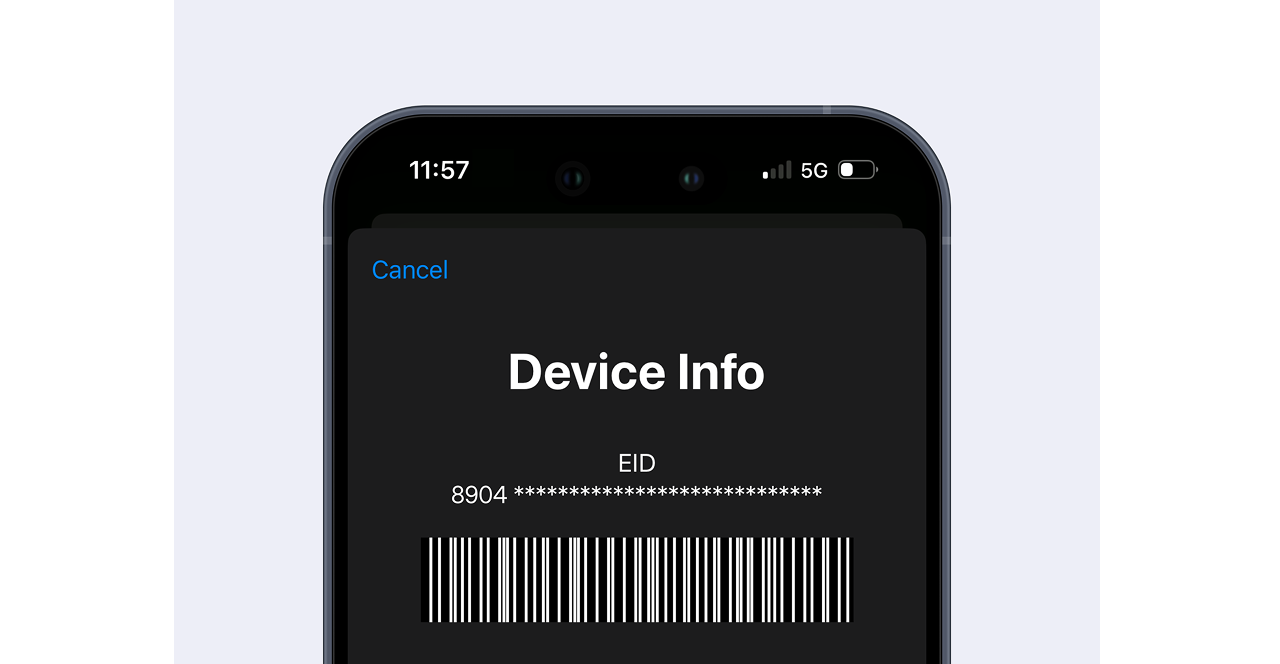
If your device has an EID, it will support eSIM.
*FUP Limit: 1 GB at full speed per day, after which speed reduces to 256 Kbps